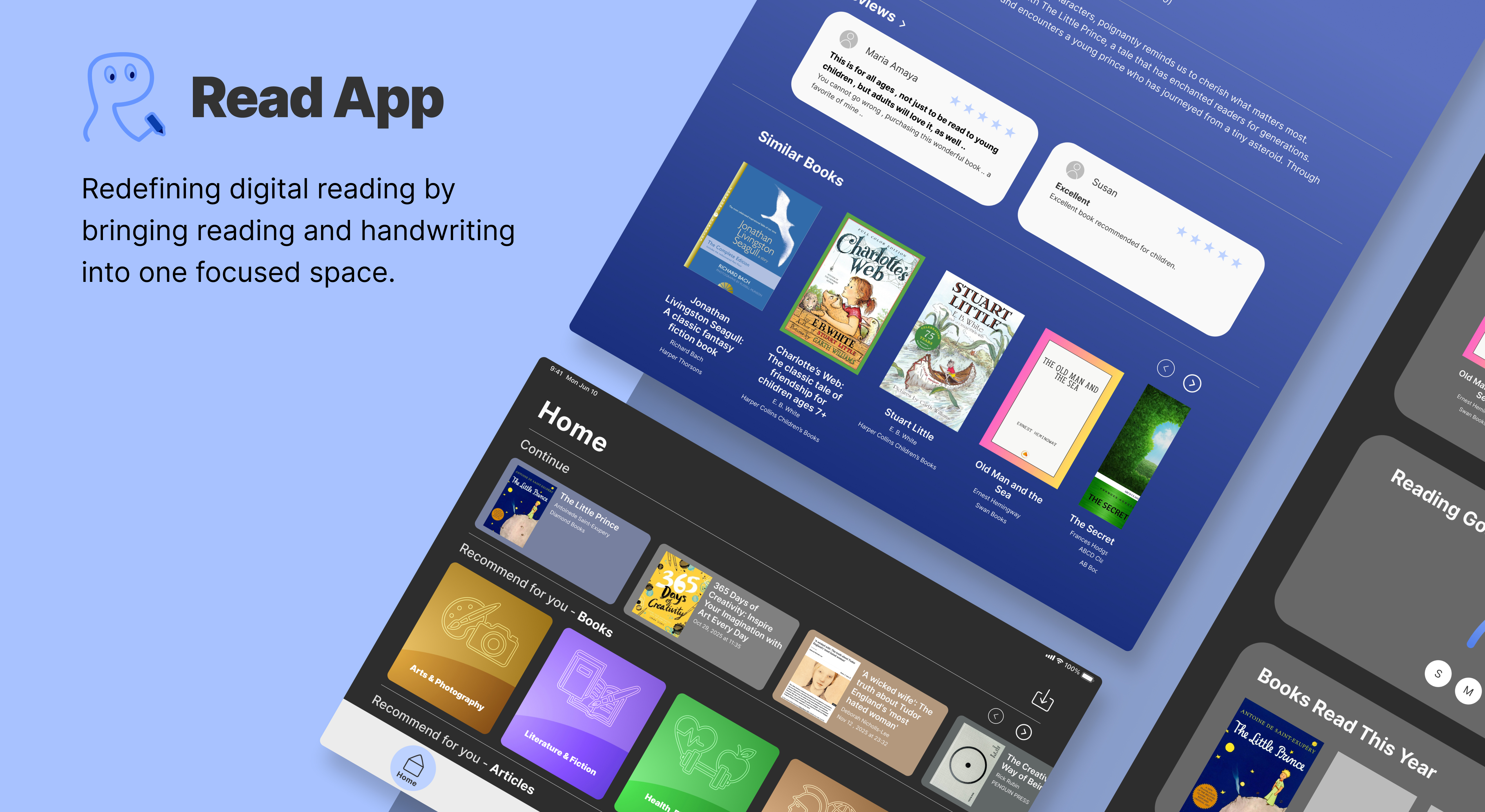
ReadApp hero image

App Design

ReadApp

A unified iPad reading space that combines EPUBs, web articles, and handwritten notes.

BACKGROUND

I often read eBooks, save articles, and write notes on the iPad, but these actions are split across different apps.Reading tools lack handwriting, note apps can’t import EPUB or web content directly, and book discovery happens elsewhere. This fragmentation disrupts focus and prevents a continuous reading habit. There is a clear opportunity to integrate reading, handwriting, and discovery into one focused experience on the iPad.

PROBLEM STATEMENT

  1. Reading and handwriting are separated into different apps, interrupting focus and learning flow.
  2. Web articles are filled with distractions such as ads and cluttered layouts, making deep reading uncomfortable.
  3. Book discovery and recommendations happen outside the reading experience, limiting consistent reading habits.

CONCEPT

ReadApp brings reading, handwriting, and content discovery into one integrated environment. Users can read EPUBs and web articles, handwrite thoughts with Apple Pencil, and explore new books without leaving the reading flow. By reducing distractions and supporting personal reading behaviours, ReadApp encourages deeper focus and more meaningful engagement with digital content.

DESIGN GOALS

  1. Create a seamless reading and writing workflow without switching between apps.
  2. Support distraction-free and comfortable reading across books and articles.
  3. Encourage continuous and personalised reading habits through integrated discovery and reflection.

USER PERSONA

Christy Chen

Christy Chen

Age
25
Location
Tainan, Taiwan
Nationality
Taiwanese
Occupation
Graphic Designer
Personality
Visually driven, Motivated by inspiration, Independent thinker

BACKGROUND

Christy works in branding and digital design. She often reads design books and online articles on the iPad for inspiration, but switching to another app to sketch with Apple Pencil breaks her creative flow. Her references become scattered across screenshots and folders, making it hard to revisit ideas with context. She wants a way to capture visual thoughts directly while reading, so inspiration remains connected and usable.

NEEDS

  1. Keep reading content and handwritten notes in the same space.
  2. Capture visual ideas quickly while reading.

PAIN POINTS

  1. Inspiration notes and sketches are scattered across multiple apps and screenshot folders.
  2. Saved articles are often forgotten and never revisited.

GOALS

  1. Revisit notes in context and turn ideas into design.
  2. Stay focused and maintain the connection between reading and thinking.

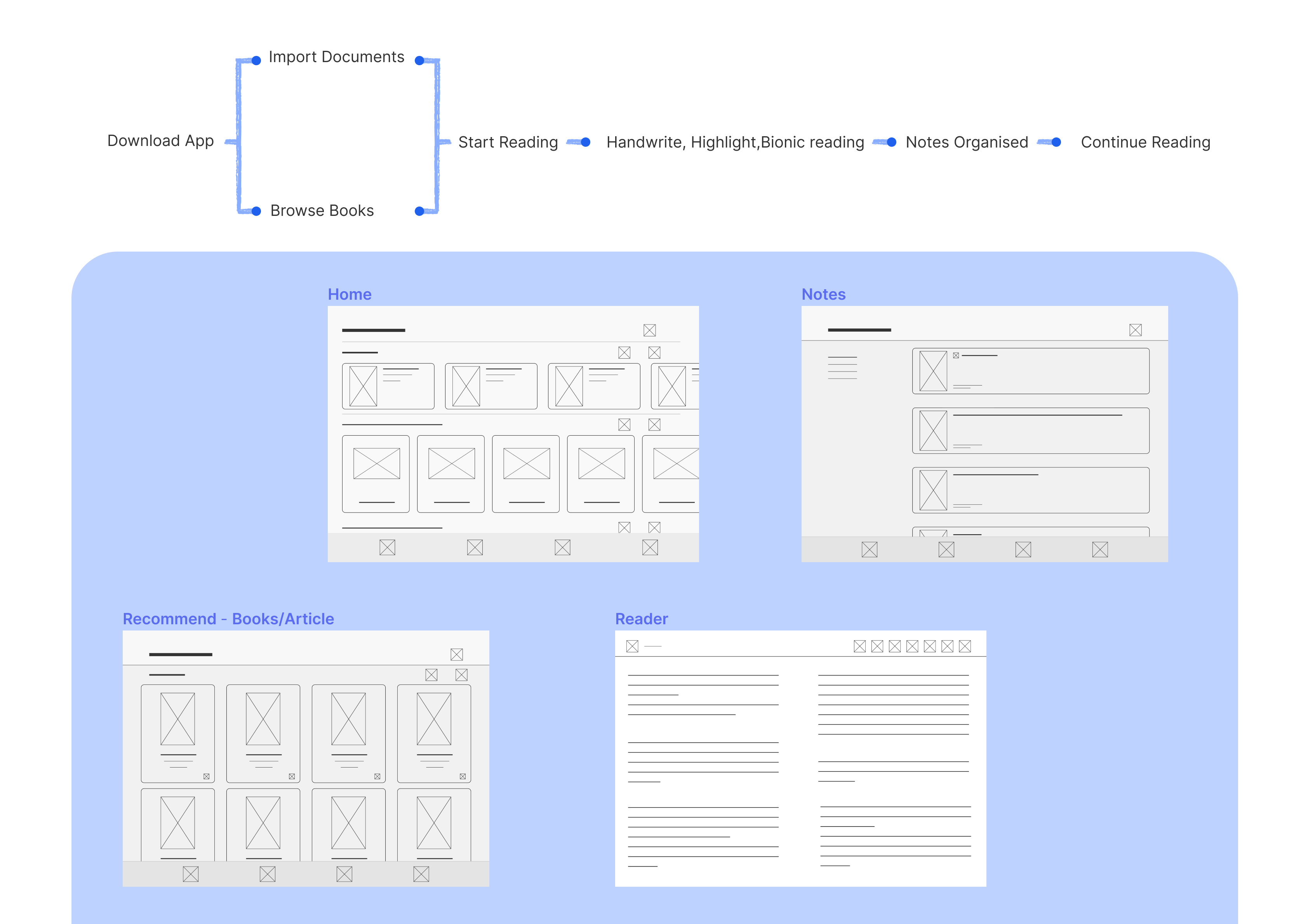
USER FLOW

User Flow

LOGO DEVELOPMENT

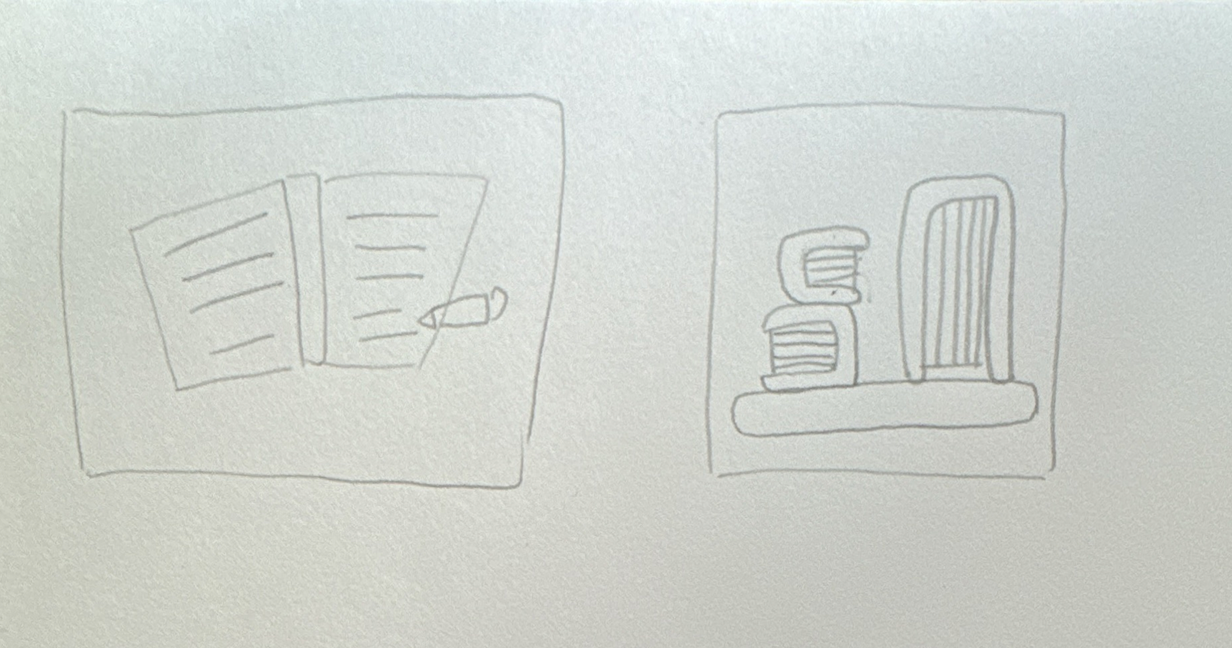
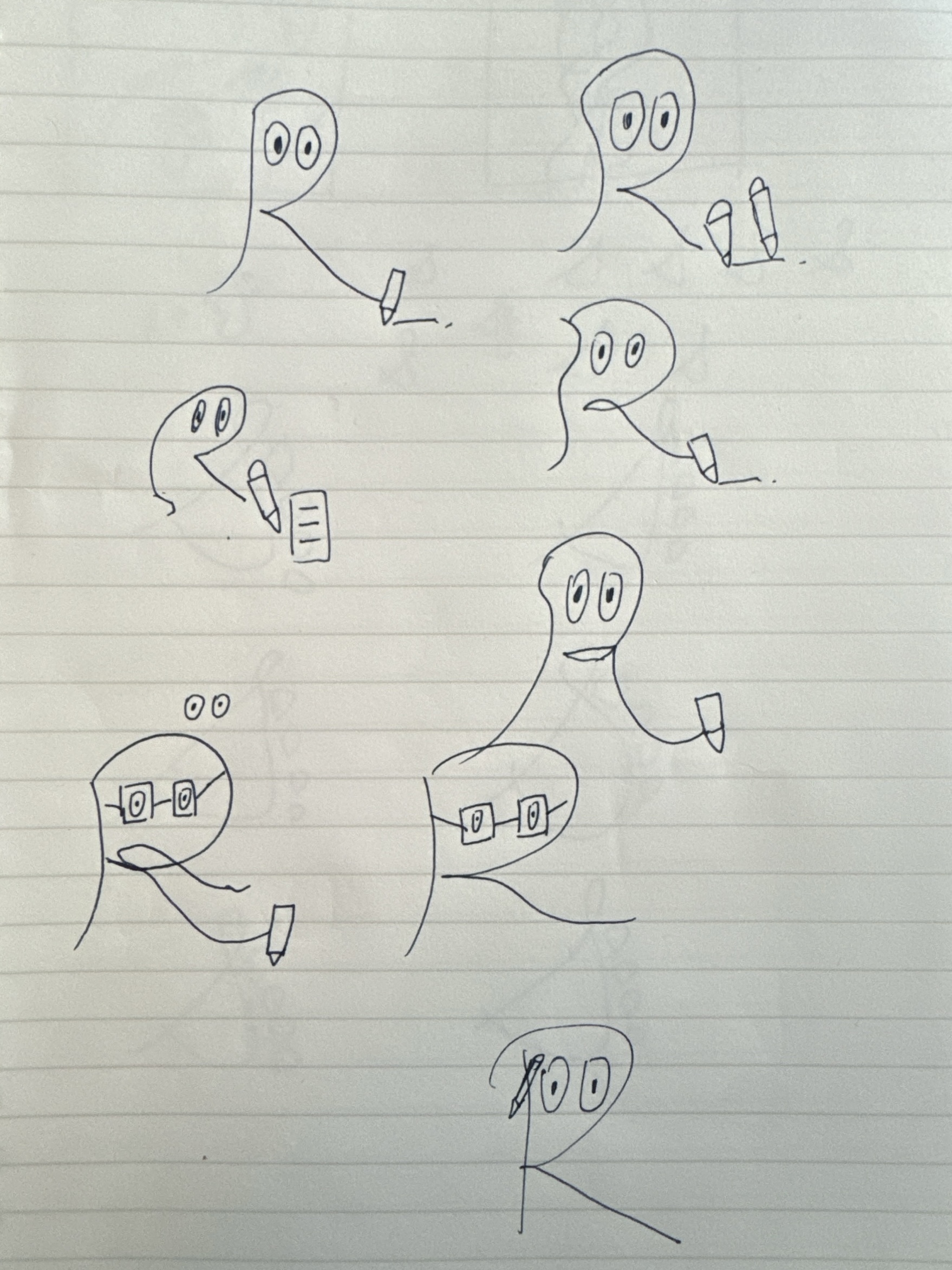
Early Sketches

Exploring the idea of “small steps” through footprints and gentle curves, representing gradual growth and becoming a better version of oneself over time.

Sketch sheet
Early sketch option A
Early sketch option B

Final Sketches

The logo simplifies the overall shape and reduces visual details to improve recognition at small sizes and on mobile screens, while combining the letter “S” with a footprint to create a simple and recognisable symbol of small, continuous steps.

Final sketch photo
Small Steps logo mark

VISUAL IDENTITY

Inter
Inter

Typography

#ECECEC
#2d2d2d
#333333
#f9f9f9
#6592F3
#BED2FF

Colour Palette

Logo

USER INTERFACE

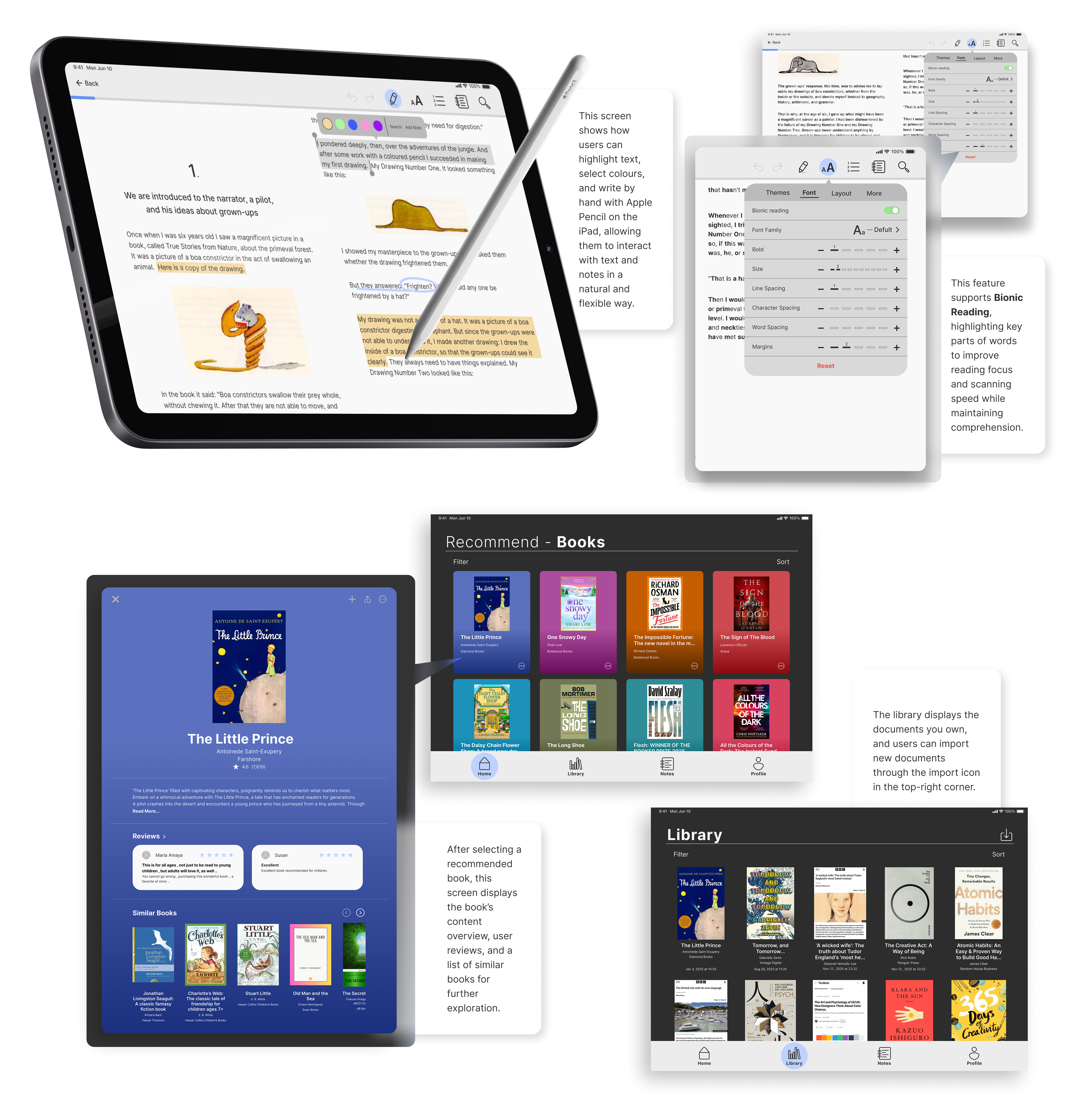
UI 1